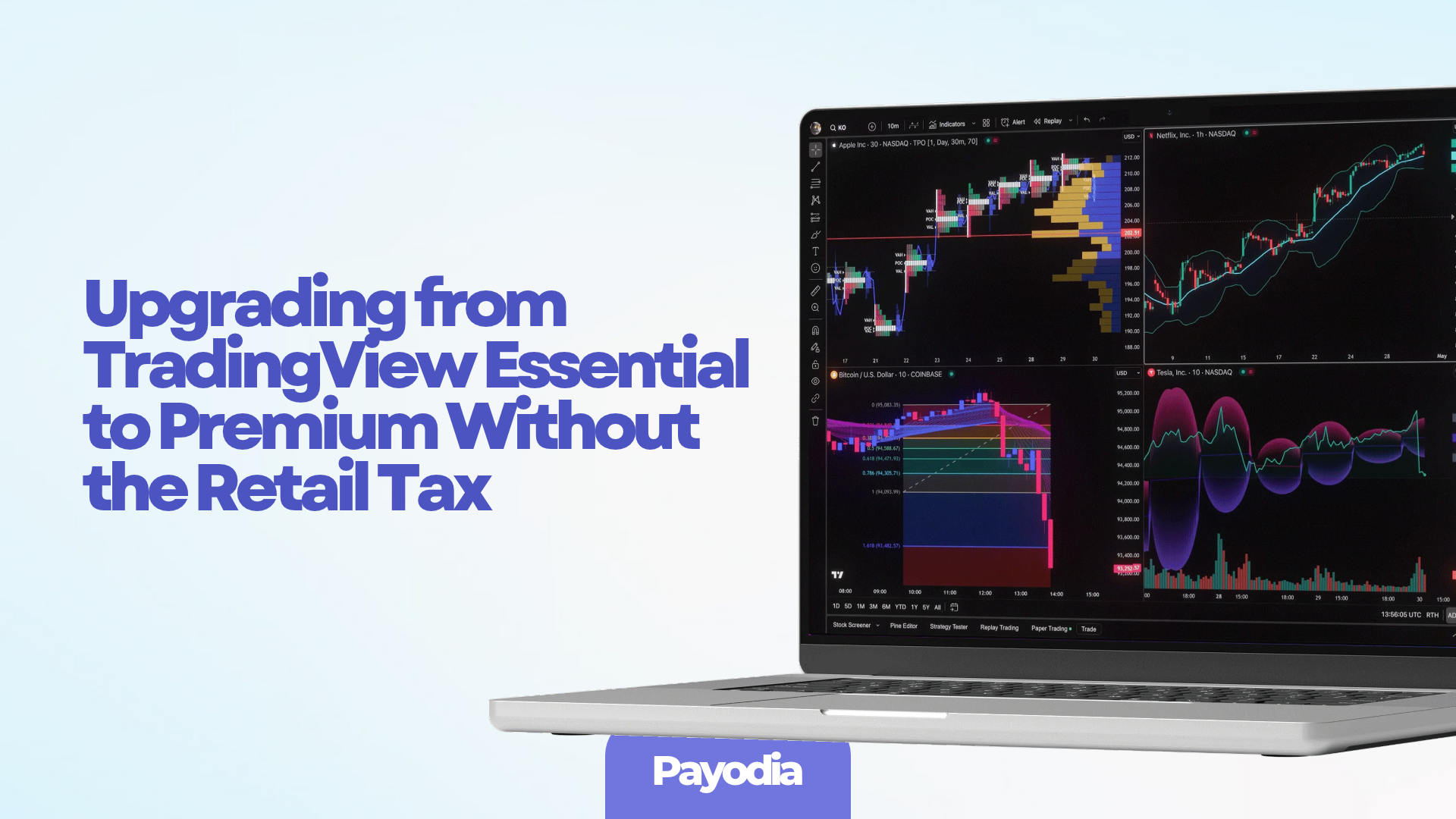
Essential is fine until it isn’t. Two charts, five indicators, and twenty alerts work for casual charting. The moment you want real strategy testing, multi-timeframe confluence, or enough alerts to run more than a couple of rules, the limits start costing you. Premium removes those ceilings. The price jump looks large on the surface. You don’t have to pay the full retail difference if you time it and route it correctly.
Exact Upgrade Math (What Actually Happens)
TradingView converts remaining time on your current plan into the higher tier using fixed ratios:
- Essential → Plus ≈ 2 days Essential = 1 day Plus
- Essential → Premium ≈ 4 days Essential = 1 day Premium
- Plus → Premium ≈ 2 days Plus = 1 day Premium
On an annual plan you usually don’t pay the full gap upfront. The leftover value simply shortens the new term. Click the upgrade button on the pricing page—it shows the new end date before you confirm anything. If you have months left on Essential, that remaining value is not lost.
Monthly plans work differently: you typically buy the new plan and get leftover days added. Annual is cleaner for most people making the jump.
Timing That Cuts the Price
Annual billing alone saves roughly 14% versus monthly. The bigger reductions historically appear around Black Friday. Higher tiers have seen the deepest percentage cuts in past years, sometimes with an extra month thrown in. If your Essential renewal sits near late November, waiting and upgrading during the sale is usually the lowest-cost path.
Outside sales, the main steady discount is the $15 referral credit available to new accounts on their next subscription. Regional promotions also appear occasionally—check your account email and the pricing page when logged in.
Crypto Route for Lower Effective Cost and Privacy
Services such as Payodia apply legitimate Premium access directly to your existing TradingView login. You keep every layout, script, alert, and watchlist. Funding is done with crypto (USDT, USDC, Bitcoin, etc.), no KYC on the purchase side, and the rate is often below direct retail because of bulk routing. There’s a refund window and human support if delivery has issues.
This is useful if you want to keep your main bank account out of the transaction or lock a better price than the public sticker.
Techniques That Make Premium Worth the Upgrade
Once you have the higher limits, the value comes from how you use them. These are the practical moves that turn the extra capacity into edge instead of unused headroom:
Deep Backtesting with Bar Magnifier
Premium unlocks Deep Backtesting (up to two million bars) and the Bar Magnifier. Enable use_bar_magnifier = true so the tester respects lower-timeframe sequencing inside each bar. Most strategies that look good on daily or 4H bars fall apart here. The ones that survive are the ones worth sizing. Test across different volatility regimes, not just the last six months.
Multi-condition alert sequences
With 400 alerts you can stop relying on single crosses. Build sequenced conditions: higher-timeframe trend state first, then momentum confirmation, then the precise entry trigger. Fire structured JSON webhook messages (ticker, side, size, stop, targets) to your broker bridge. Compare the alert log against the Strategy Tester trade list before going live. Divergence means the script still needs work.
Multi-chart confluence stack
Eight charts per tab let you keep the full decision process visible. Typical high-quality layout:
- Daily or 4H for structure and volume profile
- 1H or 15m for momentum and volatility filters
- 5m or lower for precise execution
Only take signals when the higher-timeframe bias, intermediate confirmation, and execution chart all align. Alerts on the execution chart fire only when the higher charts already qualify the setup.
Parameter sweeps without curve-fitting
Use the extra indicator slots and calculation time to run one master strategy script with variable inputs. Sweep lookbacks and filters across multiple market regimes using Deep Backtesting. Keep the set of parameters narrow—the goal is robustness on data the script hasn’t optimized on, not perfect historical equity curves.
Watchlist alerts + Pine Screener
Premium adds watchlist alerts and the Pine Screener. Scan hundreds of symbols for your exact conditions, push only the qualified names into a dedicated watchlist, and let alerts handle the rest. This turns the platform from reactive charting into a proactive scanning engine.
AI Copilot as a drafting tool
Available as an add-on on paid plans. Use it to draft initial Pine scripts or break down backtest reports in plain language. Treat the output as a starting point, not final logic. You still own the risk rules and the final version.
Practical Sequence
- Stay on Essential until you actually hit the limits (alerts maxed, history too short for meaningful backtests, or you need more than two charts side-by-side).
- When you upgrade, use the remaining-value conversion so nothing already paid is wasted.
- Prefer annual billing, or time the move for a seasonal sale if you can wait a few weeks.
- If you want the bank out of it or a lower effective rate, fund via a crypto connector that applies the upgrade to your current login.
- Immediately put the new capacity to work with the techniques above—otherwise the extra alerts and bars just sit unused.
Premium stops being expensive once the testing depth and alert headroom start eliminating bad ideas faster and letting the surviving rules run with more confidence. The retail markup is optional if you treat the upgrade like any other purchase: check the conversion math, pick the billing cycle that saves money, and use the route that fits your payment style.
Main sources:
- TradingView – Upgrade annual subscription details
- TradingView Discount Code – Plus vs Premium + Black Friday notes
- Payodia – TradingView Premium Subscription